Documentation Index

Fetch the complete documentation index at: https://incarts.mintlify.app/llms.txt

Use this file to discover all available pages before exploring further.

Before you call authenticated endpoints, Incarts sets up access for your integration.

What Incarts gives you

ValueWhere you use itWhat it controls
projectIdRequest bodies such as POST /v1/linksThe Incarts project that owns created links, QR codes, reporting, and future campaign records.
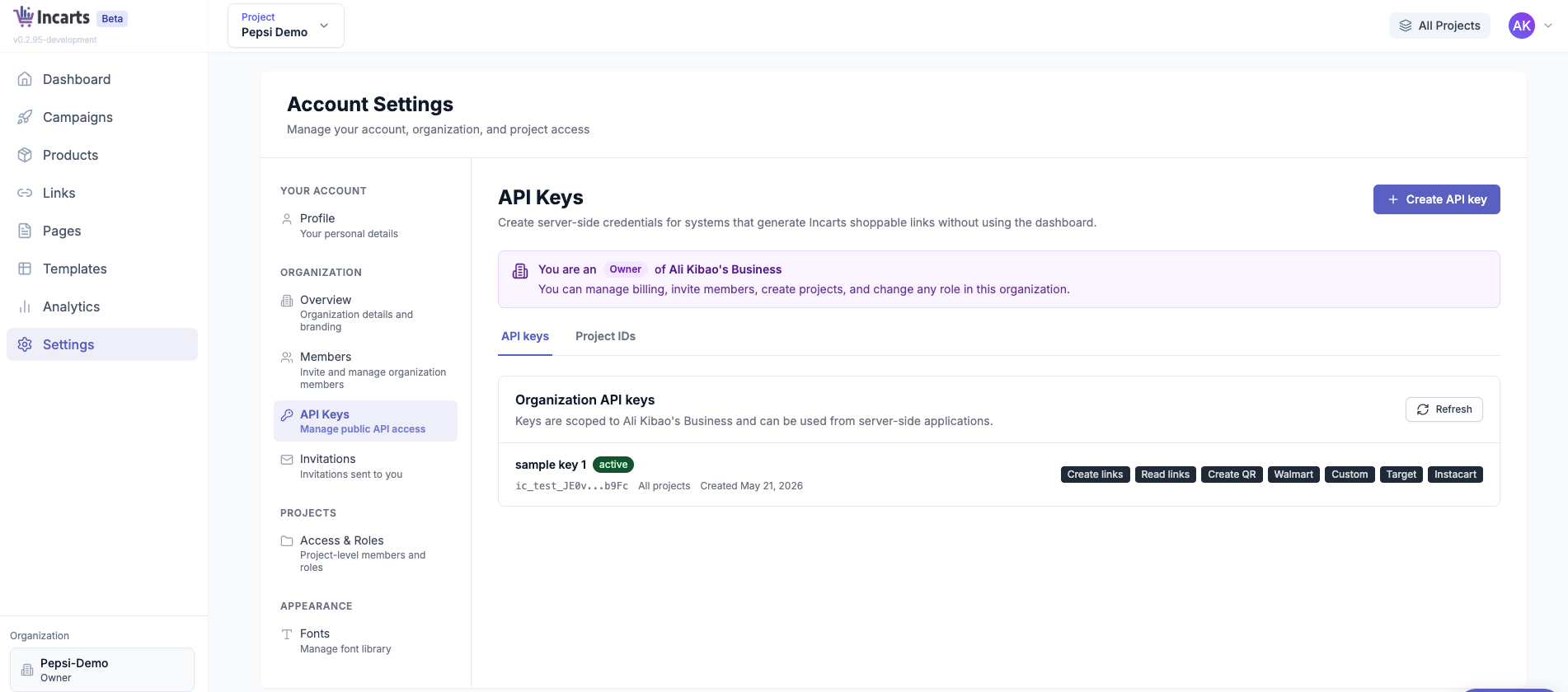
API keyX-Incarts-API-Key headerAuthenticates your server.
ScopesAttached to your API keyAllows specific operations such as links:write, links:read, and retailer-specific writes.
The API key and projectId must match. If the key is valid but is not allowed to use the requested project, the API returns 403.

Current onboarding flow

  1. Request API access from Incarts for a specific business or integration.
  2. Incarts creates or selects the project that should own the generated links.
  3. Incarts issues an API key for that project with the smallest required scope set.
  4. Incarts sends you the projectId and API key through an approved secure channel.
  5. Store the API key server-side and send it in the X-Incarts-API-Key header.
Do not generate your own projectId, share API keys across customers, or expose API keys in browser code.

Example access package

A Walmart-only link generation integration typically receives:
projectId: proj_abc123
apiKey: ic_live_...
scopes:
  links:write
  retailers:walmart
Use that projectId in each create-link request:
{
  "projectId": "proj_abc123",
  "name": "Summer grilling basket",
  "retailer": "walmart",
  "intent": "add_to_cart",
  "products": [
    {
      "retailerProductId": "550098461",
      "quantity": 1
    }
  ]
}

Self-serve status

Self-serve project creation, key rotation, and project listing are not part of the current API. These flows are planned for a future release.